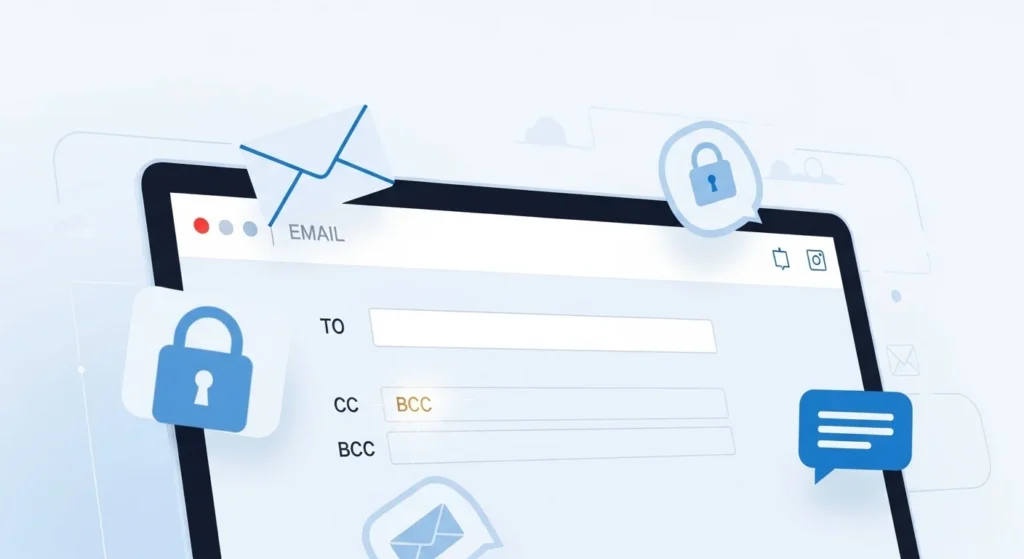
If you’ve ever sent or received an email, you’ve probably noticed fields like To, CC, and BCC at the top of the message. While the To field is obvious and CC is somewhat familiar, BCC often makes people pause and wonder what it actually does.
Maybe you saw someone mention it in a work email or noticed it while sending a group message. At first, it can feel confusing because it works differently from the other email fields. So what does BCC really mean, and when should you use it? Let’s break it down in simple terms.
Quick Answer:
BCC in email means “Blind Carbon Copy,” which lets you send a copy of an email to someone without other recipients seeing their email address.
What Does BCC Mean in Email?
BCC stands for Blind Carbon Copy.
It is an email feature that allows you to send a copy of an email to additional recipients without revealing their email addresses to others in the message.
Plain-English Explanation
When you add someone to the BCC field, they will receive the email just like everyone else. However, the key difference is that other recipients cannot see that they were included.
This protects privacy and prevents large lists of email addresses from being visible.
Why People Use BCC
People commonly use BCC for several reasons:
- To protect recipients’ email privacy
- To send emails to large groups
- To avoid long reply chains
- To keep certain recipients discreet
Example Sentence
“i’m sending the newsletter to everyone using bcc so their email addresses stay private.”
Summary:
BCC means Blind Carbon Copy and allows you to send an email to someone without other recipients knowing they received it.
Where BCC Is Commonly Used
The BCC field appears in most email platforms and is used in different types of communication.
Work Emails
In professional settings, BCC is often used to keep someone informed without including them in the main conversation.
Example:
You send an update to a client but BCC your manager.
Tone: neutral and professional
Group Emails
When emailing many people at once, BCC helps protect everyone’s email addresses.
Example:
Sending a message to a large mailing list.
Tone: neutral
Newsletters and Announcements
Organizations often send newsletters using BCC to maintain privacy.
Tone: professional
Personal Emails
People sometimes use BCC when sharing invitations or announcements.
Tone: casual to neutral
Realistic Conversation Examples
Here are some realistic ways people talk about BCC in email conversations.
- “can you bcc me on that email?”
- “i’ll send the update and bcc the manager”
- “use bcc so everyone’s email stays private”
- “don’t forget to bcc the team lead”
- “i added everyone in bcc”
- “just bcc the group list”
- “why was i in bcc on that message?”
- “please bcc the mailing list”
- “i’ll bcc you so you can stay informed”
When to Use and When Not to Use BCC
Knowing when to use BCC can make email communication clearer and more professional.
When You Should Use BCC
Use BCC when:
- sending emails to large groups
- protecting people’s email addresses
- keeping someone informed discreetly
- preventing reply-all chains
When You Should Avoid Using BCC
Avoid using BCC when:
- transparency is important
- team collaboration is needed
- the conversation requires open discussion
Do and Don’t List
Do
- use BCC for group emails
- protect recipients’ privacy
- use it for newsletters or announcements
Don’t
- hide recipients in sensitive conversations
- use it to secretly monitor coworkers
- create confusion in collaborative discussions
Quick Comparison Table
| Context | Example Phrase | Why It Works / Doesn’t Work |
|---|---|---|
| newsletter email | recipients in bcc | protects privacy |
| group announcement | send to everyone via bcc | avoids email address sharing |
| work update | bcc manager for awareness | keeps them informed |
| team discussion | hide members in bcc | may cause confusion |
| collaborative project | use bcc instead of cc | reduces transparency |
BCC vs CC vs To: What’s the Difference?
Understanding how BCC, CC, and To work helps you use email more effectively.
| Field | Meaning | Who Can See Recipients |
|---|---|---|
| To | main recipient | everyone can see |
| CC | carbon copy | everyone can see |
| BCC | blind carbon copy | recipients are hidden |
Quick Explanation
- To: the main person receiving the message
- CC: additional people included in the conversation
- BCC: hidden recipients who receive the email privately
Similar Email Terms
Email communication includes several related terms.
| Term | Meaning | When to Use |
|---|---|---|
| CC | carbon copy | include others in conversation |
| Reply All | respond to everyone in thread | group discussion |
| Forward | send an email to another person | sharing information |
| Thread | series of related emails | ongoing conversations |
| Attachment | file added to email | sharing documents |
These features help manage modern email communication.
Frequently Asked Questions
1. What does BCC stand for in email?
BCC stands for Blind Carbon Copy, which hides recipients’ email addresses from other people in the email.
2. Can people see BCC recipients?
No. Only the sender can see who was added in the BCC field.
3. Can BCC recipients see each other?
No. Each person in BCC receives the email privately.
4. Is using BCC rude?
Not usually. It’s often used to protect privacy or reduce email clutter.
5. What happens if someone replies to a BCC email?
If they press Reply, only the sender receives the message.
If they press Reply All, BCC recipients usually remain hidden.
6. Is BCC used in professional emails?
Yes. Businesses often use it for announcements, newsletters, and large mailing lists.
7. Why is it called Blind Carbon Copy?
The term comes from old paper letters where a carbon copy created duplicates, while a blind copy kept the recipient hidden.
Final Thought
Email has become one of the most important communication tools in modern work and daily life. Features like To, CC, and BCC help organize messages and manage how information is shared. Among these, BCC plays a unique role because it allows you to send emails while keeping certain recipients hidden.
This feature is especially useful for protecting privacy, sending group messages, and preventing unnecessary reply chains. However, using it thoughtfully is important to avoid confusion in collaborative conversations.
Once you understand how BCC works, you can communicate more clearly and professionally when sending emails to groups or large audiences.

Joseph Tylor is a writer who loves crafting humorous and engaging content. He enjoys creating clever jokes, puns, and lighthearted stories. His work aims to entertain and bring smiles to readers of all ages.